Introduction
As the European Union’s Ecodesign for Sustainable Products Regulation (ESPR) enters force, fashion, apparel, and consumer goods brands face a monumental operational hurdle. Creating a single Digital Product Passport (DPP) manually via a dashboard is simple. However, for e-commerce brands managing hundreds of new SKUs, colors, sizes, and seasonal variants every month, manual entry is a recipe for data bottlenecks, high labor costs, and data mismatch.
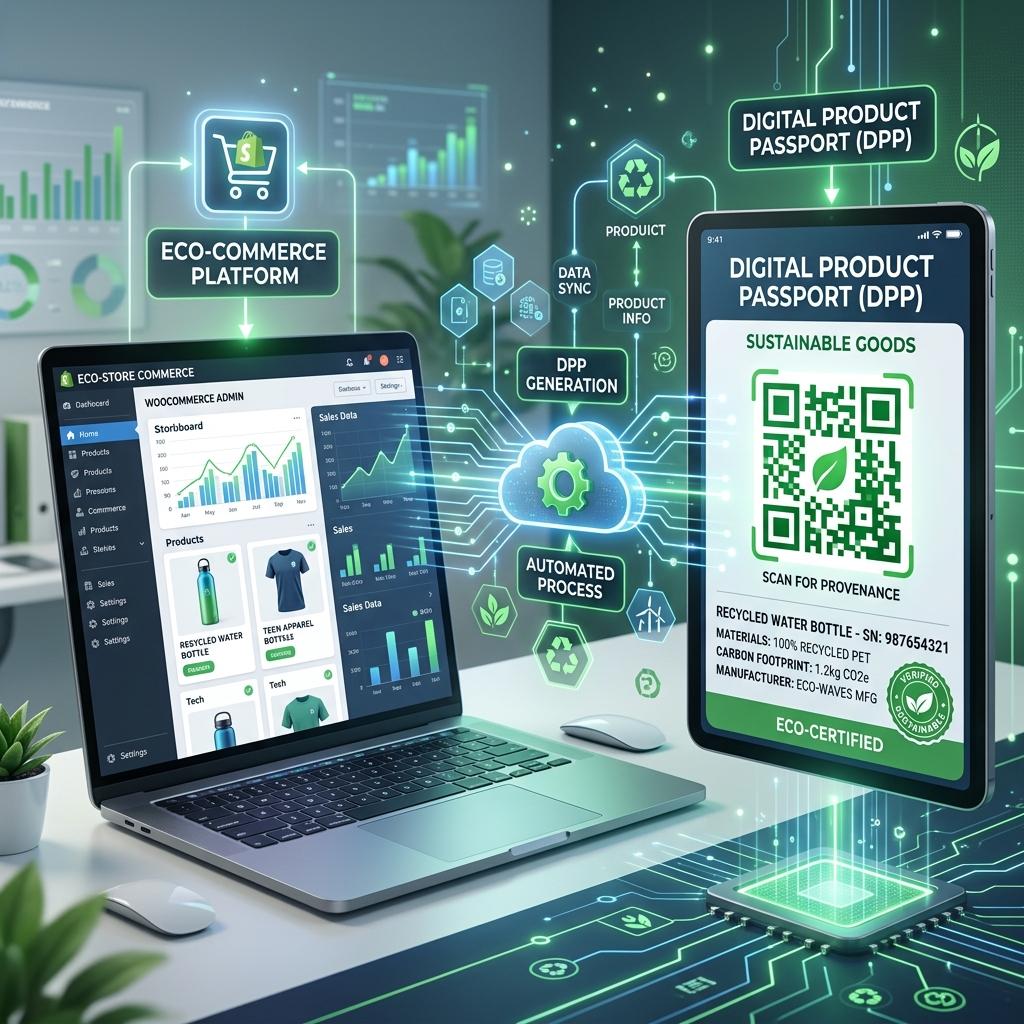
For DTC (Direct-to-Consumer) and omnichannel brands operating on Shopify or WooCommerce, the solution lies in automation. By integrating e-commerce storefronts directly with the DPP registry, brands can automatically synchronize product catalogs, create draft passports upon product creation, and map structured sustainability data in real-time.
This technical guide explores how TracePath automates this workflow using webhook-driven architectures to ingest, sanitize, and map e-commerce product catalogs to compliant DPP templates.
—
1. The Automation Architecture: Webhook-Driven Sync
Instead of polling storefront APIs (which consumes server resources and introduces sync latency), TracePath implements a event-driven Webhook Listener Architecture.
When a product designer or store admin creates a new product or variant in Shopify or WooCommerce, the store automatically broadcasts an HTTP `POST` request containing the product metadata (JSON) to TracePath’s secure endpoints:
- Shopify Endpoint: `https://app.tracepath.eu/webhooks/shopify//`
- WooCommerce Endpoint: `https://app.tracepath.eu/webhooks/woocommerce//`
“`
[ Shopify/WooCommerce Storefront ]
│
(Product Created Event)
│
▼ (HTTP POST JSON)
[ TracePath Webhook Listener ]
│
┌──────────────┴──────────────┐
▼ (Extraction & Clean) ▼ (Validation)
– Title, SKU, Description – Verify Plan API Rights
– Strip HTML tags – Match Active Template
– Fetch Main Product Image
└──────────────┬──────────────┘
▼
[ Create Draft DPP Record ]
│
(Populate Fields)
│
▼
[ Ready in Brand Dashboard ]
“`
—
2. Ingesting and Sanitizing E-commerce Metadata
E-commerce platforms store data in highly unstructured formats compared to the strict requirements of compliance databases. For instance, product descriptions in Shopify are stored as raw HTML (containing styling, layout tags, and line breaks).
To handle this, TracePath’s integration layer executes a 4-step pipeline:
Step 1: HTML Sanitization
To prevent malformed data or script injection, the webhook engine automatically strips all HTML tags from the product description using Python-based regex layers:
# Raw Description: "This is a GOTS-certified organic cotton tee.
" # Sanitized Description: "This is a GOTS-certified organic cotton tee." desc_clean = re.sub('<[^', '', desc_raw) if desc_raw else ''
Step 2: Image Sync and CDN Fetching
Product passports require a high-resolution image of the item. E-commerce platforms provide temporary CDN URLs for product photos. TracePath’s background engine fetches this image, converts it into a secure `ContentFile` stream, and uploads it to our secure compliance media storage, preventing broken image links if the Shopify media gallery changes.
Step 3: Variant & SKU Mapping
Fashion items are sold in variants (different sizes and colors under the same parent product). While Shopify treats these as sub-variants, the EU ESPR requires individual unique identifiers per SKU. The webhook engine automatically loops through the storefront product’s variants list and creates a unique Draft DPP Record for each individual SKU, mapping parent product titles to the respective variant records.
Step 4: Dynamic Template Binding
TracePath does not hardcode product attributes. Instead, the engine looks up the brand’s active DPP Form Template (based on their Industry configuration) and dynamically instantiates a new payload. It automatically pre-fills matching fields—such as Product Name, SKU, Description, and Brand Name—while leaving the specialized compliance fields (like Fiber Composition percentages and Certificate uploads) in `DRAFT` status, ready for the compliance team to finalize.
—
3. Configuring the Shopify Webhook Sync
To connect your Shopify store to TracePath:
- Locate your Unique Tenant ID: Log into your TracePath brand dashboard and copy your unique Tenant UUID from the settings tab.
- Add Webhook in Shopify Admin:
- Navigate to Settings > Notifications in your Shopify Admin panel.
- Scroll down to the Webhooks section and click Create webhook.
- Set Event to `Product creation` (and optionally `Product update`).
- Set Format to `JSON`.
- Set URL to: `https://app.tracepath.eu/webhooks/shopify//`
- Set Webhook API version to the latest stable version.
- Click Save.
- Test the Sync: Create a test product with a SKU in Shopify. Within seconds, a matching draft passport will appear in your TracePath dashboard, with the product image and SKU pre-filled.
- Configure Webhook in WooCommerce:
- Go to WooCommerce > Settings > Advanced > Webhooks in your WordPress dashboard.
- Click Add webhook.
- Set Name to `TracePath DPP Sync`.
- Set Status to `Active`.
- Set Topic to `Product created`.
- Set Delivery URL to: `https://app.tracepath.eu/webhooks/woocommerce//`
- Click Save Webhook.
- Automatic Draft Initialization: WooCommerce will now fire a webhook payload every time a new product is published. TracePath instantly parses the SKU, title, and description, downloads the primary product image, and maps it to your active compliance template.
- Plan Validation: The webhook listener checks the brand’s active subscription. Webhook processing is only allowed for tenants whose subscription plans have `has_api_access = True` (e.g., Professional and Enterprise tiers).
- Security Signature Verification: To prevent spoofing and ensure that incoming payloads actually originate from Shopify/WooCommerce, TracePath verifies the webhook signatures (using Shopify’s shared secret HMAC verification) before executing any database mutations.
—
4. Configuring the WooCommerce Webhook Sync
To connect your WooCommerce store to TracePath:
—
5. B2B Plan Enforcement & Security
Because e-commerce integrations handle automated bulk operations, they are restricted to premium plans:
—
Conclusion
Manually managing product passports for a growing brand is unsustainable. By automating the connection between your storefront and the compliance registry, you eliminate manual entry errors, dramatically reduce time-to-compliance, and ensure that every new SKU is instantly assigned an active, ready-to-publish Digital Product Passport.
Choosing a compliance platform like TracePath that offers native, webhook-driven Shopify and WooCommerce integration out-of-the-box allows your team to focus on sourcing and sustainability, while the technology automatically handles the data heavy-lifting.
Learn more about TracePath and how we help fashion brands comply with the EU Digital Product Passport mandate.
